
VAT settings
Set up VAT in bluprnts — registration, rate, treatment and payment schedule — so the forecast reflects the VAT you charge, reclaim and pay over to HMRC.
If your business charges VAT, bluprnts adds it to sales, reclaims it on purchases, and pays it over to HMRC on your schedule. You set it up in the VAT band of the Tax section of your company options.
Turn VAT on#
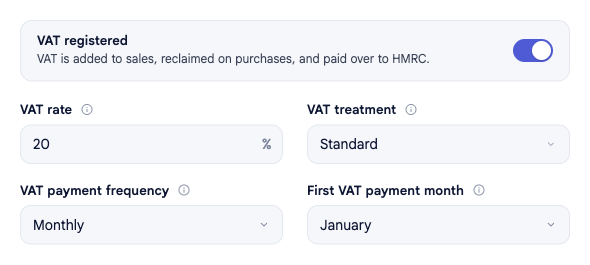
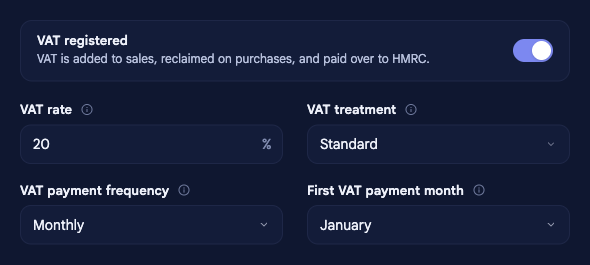
In the left sidebar, select your company name at the bottom to open Company options, then Tax, and switch on VAT registered. With it off, VAT is left out of the forecast entirely. Changes save automatically.
Set the rate#
- VAT rate — the standard rate applied to sales and purchases. The UK standard is 20%.
Choose the treatment#
- VAT treatment — when VAT falls due:
- Standard — you owe it on the invoice date, whether or not you've been paid.
- Cash Accounting — you owe it only once the money has actually moved, which is worth having if your customers are slow to pay.
Set the payment schedule#
- VAT payment frequency — how often VAT is paid over to HMRC: monthly, quarterly or annually.
- First VAT payment month — the first month of the year a payment falls due; later payments follow the frequency you chose.
Related#
- Corporation tax, NIC & duty — the other taxes in this section.
- VAT & tax in the forecast — how VAT flows through the statements.