Scenarios
Scenario planning without rebuilding the spreadsheet
Scenario planning means testing a decision before you commit to it — hiring three people, raising a round, losing a customer, changing your prices. Inbluprnts a scenario is a fork of your live model: change the drivers behind the decision, and the forecast cash, statements and runway recompute so you can compare it against your base case.
What is scenario planning?
Scenario planning is modelling more than one version of the future so you can compare them. Instead of a single forecast that quietly assumes everything goes to plan, you keep a base case and a set of alternatives beside it: the optimistic one, the one where a big customer leaves, the one where you hire three people in the spring.
A scenario is not a saved copy of your file. Copies drift, and after a month you have four spreadsheets, no idea which is current, and no way to tell whether the difference between two of them is the decision you were testing or a stale number somebody forgot to update. A scenario in bluprnts is a set of changes applied on top of the live base model, so when the base plan moves, every scenario moves with it.
That is what makes the comparison meaningful: the only difference between two scenarios is the thing you changed.
How do you build a scenario?
You start from your plan and move the levers behind the decision you are considering. Each one is a change against the base case rather than a number retyped from scratch.
Sales
Volume and price
Move units sold or average price across the plan. The cost of sales follows the volume, so a demand change does not need its costs adjusted by hand.
Costs
Production, logistics, overheads
Production cost per unit, storage and distribution, shipping, and fixed overheads like rent and software, each on its own lever.
People
Headcount and salary
Add or cut roles against the plan, or move average compensation. Employer national insurance and pension follow automatically.
Timing & funding
Payment delays and new money
Add days to how long customers take to pay or how long you take to pay suppliers, and inject a one-off capital raise. This is the group that turns a profitable plan into a cash problem, or rescues one.
Changes can also be scoped rather than applied across the whole business. A price move can be limited to one product or one channel, and a headcount change to a single department or role, so "what if the wholesale side softens" is a scenario rather than a blunt percentage across everything.
Then you name it, and it sits alongside the base case for as long as it is useful.
How do you compare scenarios side by side?
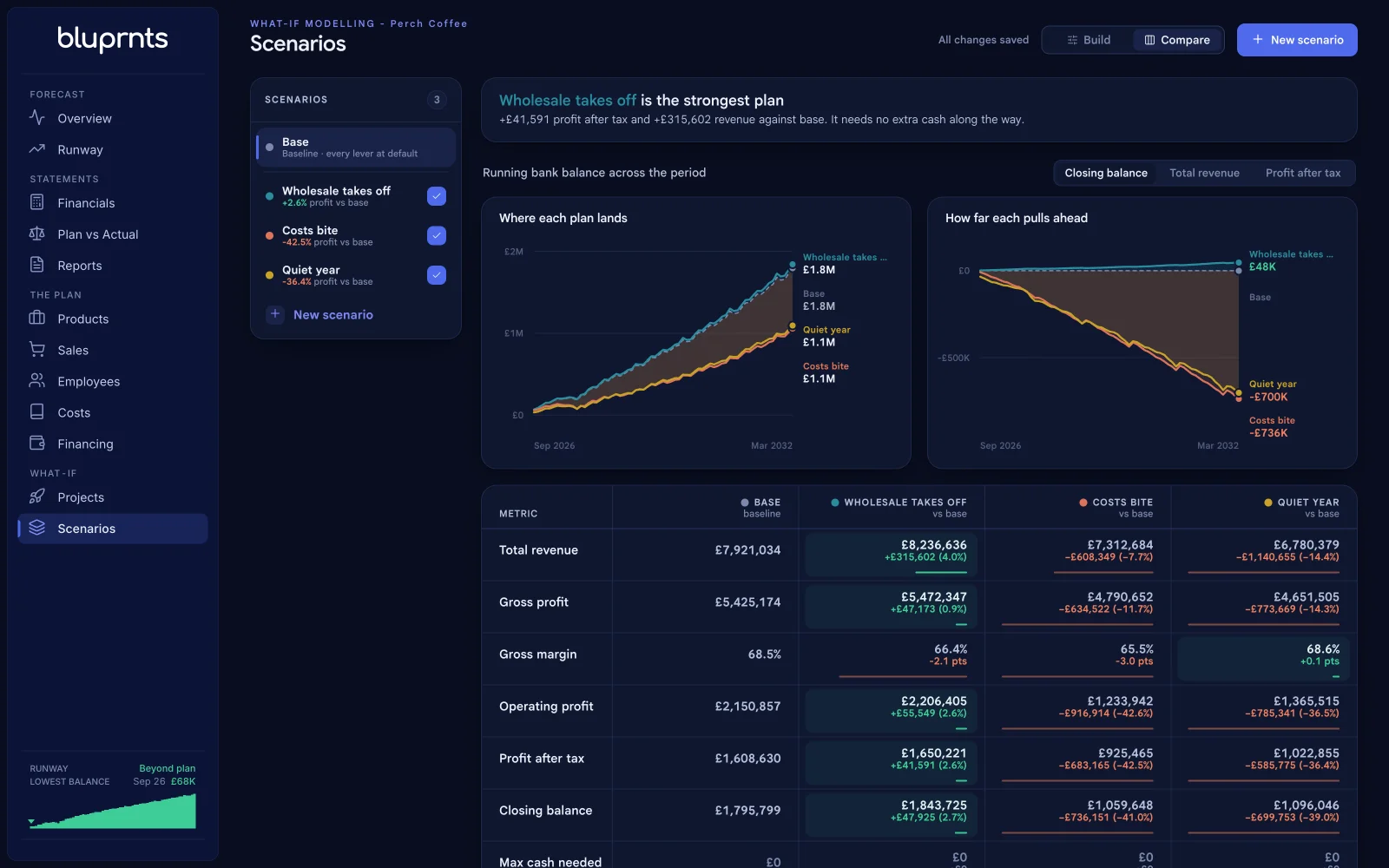
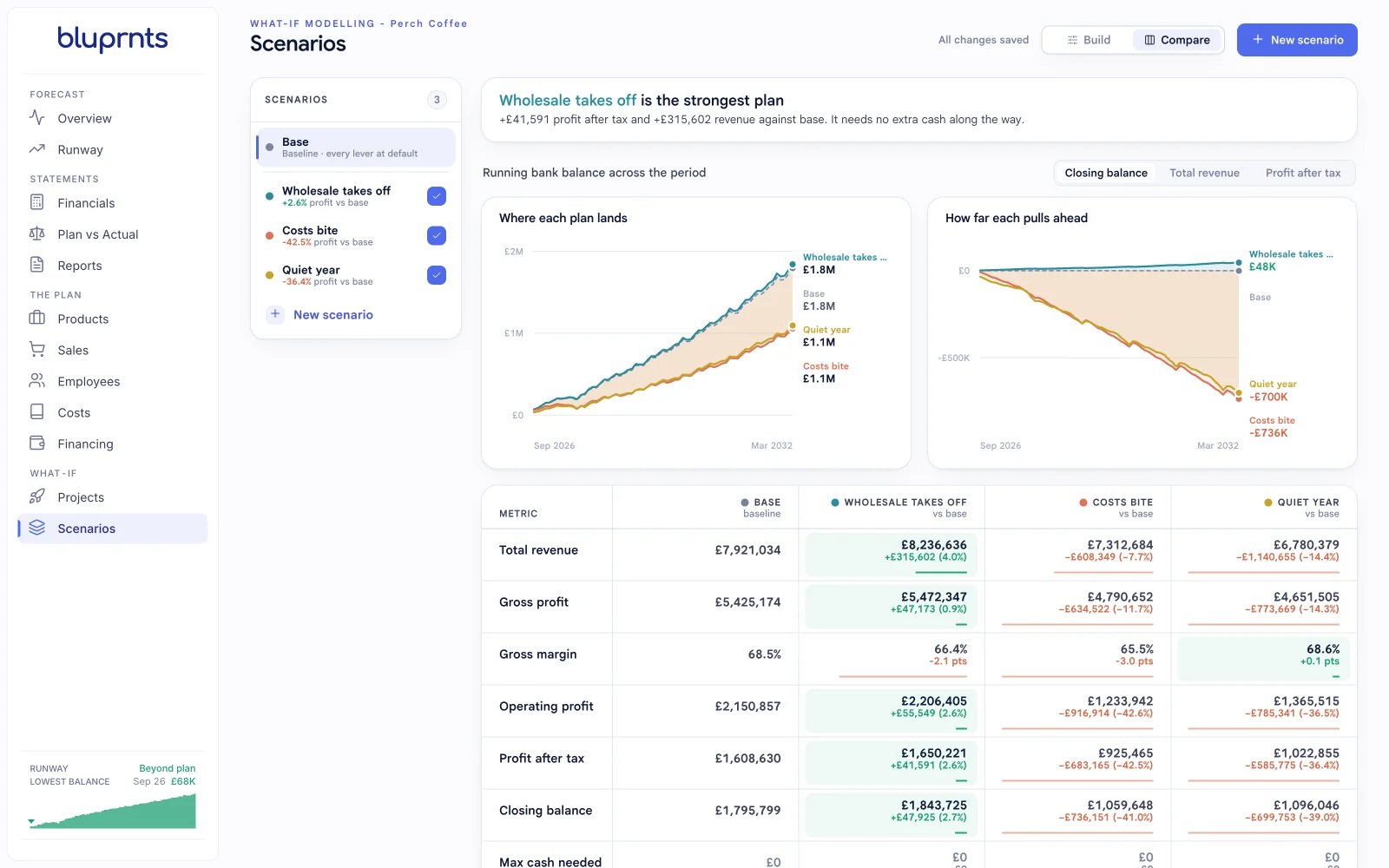
The comparison view puts each scenario against the base case on the figures that decide things: revenue across the forecast, gross profit, profit after tax, cash at the end of the plan, the lowest cash point, and runway. Every scenario carries its headline difference from base, so the list itself reads as a ranking of consequences.
The lowest cash point is usually the row that settles the argument. Two scenarios can end the plan within a few percent of each other and still be completely different decisions, because one of them dips below zero in month fourteen and the other does not.
What can you model?
Phrased the way the question actually arrives:
- Can we afford to hire three people in the spring? Headcount, from a start month.
- What if we put prices up 8%? Sale price, scoped to a product or channel.
- What happens if we lose our biggest customer? Sale volume on that channel.
- Do we need the round, and how big? New funding, against the lowest cash point.
- What if suppliers tighten terms and customers stretch them? Payment delay on both sides, which affects cash without touching profit.
- What if costs run away from us? Production, logistics and overheads together, as a downside case.
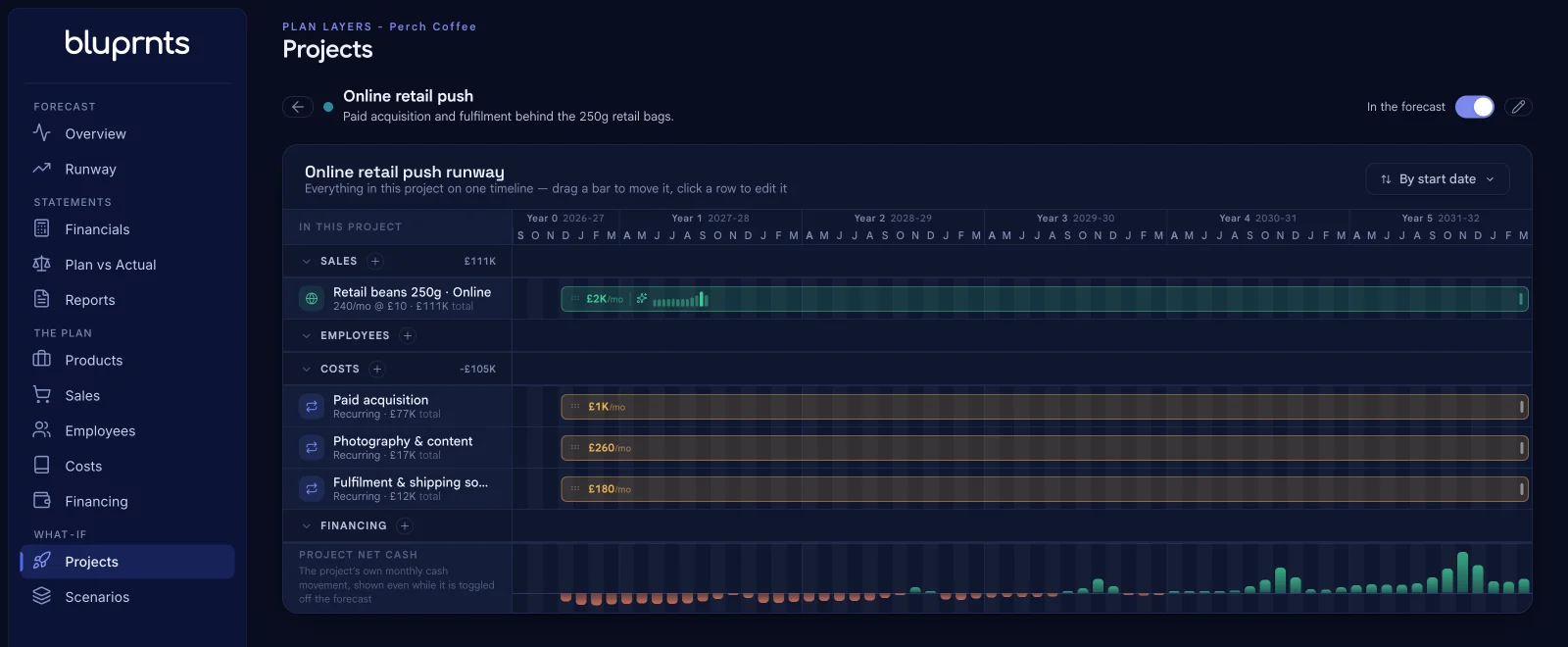
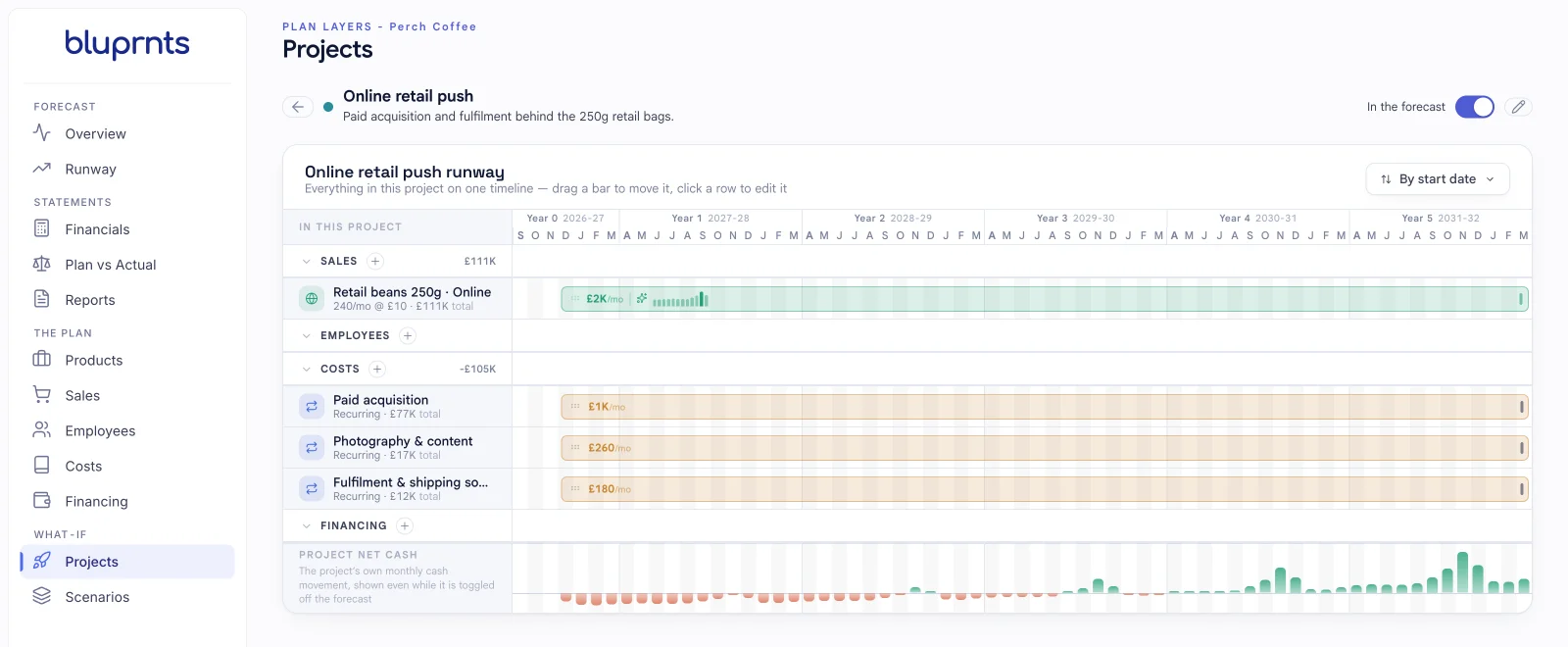
- Should we take on this new site? A project layer rather than a scenario, modelled with its own sales, hires, costs and financing, switched on and off against the base plan.
Who it's for
Founders
The decisions that keep a founder awake are all forks: hire now or wait, raise now or later, hold price or move it. A scenario turns each one into a comparison you can look at rather than an argument you have twice a week.
Finance teams
A base case that has never been pressure-tested is a guess with a spreadsheet around it. Scenarios let a finance lead publish the downside alongside the plan, which is usually what a board or a lender asks for next anyway.
Accountants and advisors
Advisors use scenarios to show a client the cost of a decision rather than describe it. Two columns and a lowest-cash-point row will end a conversation that a paragraph of advice will not.
Proof
The live demo ships with real scenarios on a real model. Perch Coffee, the café and roastery it opens on, carries a base plan plus three: wholesale performing above plan, a cost shock, and a quiet trading year. Each one reports its difference from base across the whole forecast, and each is recomputed from the same drivers rather than stored as a set of numbers.
Open any of them and change a lever. The comparison updates against a base case that has not moved.
Questions about scenarios
- How many scenarios can I keep?
- As many as you want, on every plan including Starter. Scenarios are not capped or metered, so there is no reason to delete one to make room for another — keeping the case you rejected is often the point.
- Does a scenario change my base case?
- No. A scenario is a named set of adjustments the engine applies on top of your base plan while you have it switched on. The underlying drivers are untouched, and switching back to the base case restores the plan exactly, so you can model a lost customer or an aggressive hiring round without putting the plan you intend to run at risk.
- Can I promote a scenario to become the plan?
- Not in a single action — there is no "make this the base case" button. If a scenario becomes what you intend to do, you change the underlying drivers to match: the hire dates, the prices, the funding. The forecast then traces back to decisions you have actually made rather than to a multiplier sitting over the top of them.
- Can I share a scenario with someone?
- Not as a link of its own. The way a scenario reaches someone outside the app is inside a report: a report can carry a scenario comparison that sets a saved scenario against the base plan, alongside the charts, statement tables and written narrative, and you export that report to PDF.
Model the business. The statements follow.
Free to start. No accounting data required.
Get started7-day free trial · no card