
Forecast window & financial year
Set your forecast window and financial year in bluprnts — how far ahead you model and where each year starts and ends.
Two settings decide the shape of every forecast: when it starts, how many years it runs, and where each financial year breaks. You set them in the Forecast section of your company options, and everything downstream re-projects from them.
Open the Forecast settings#
In the left sidebar, select your company name at the bottom to open Company options, then choose the Forecast section. Changes save automatically.
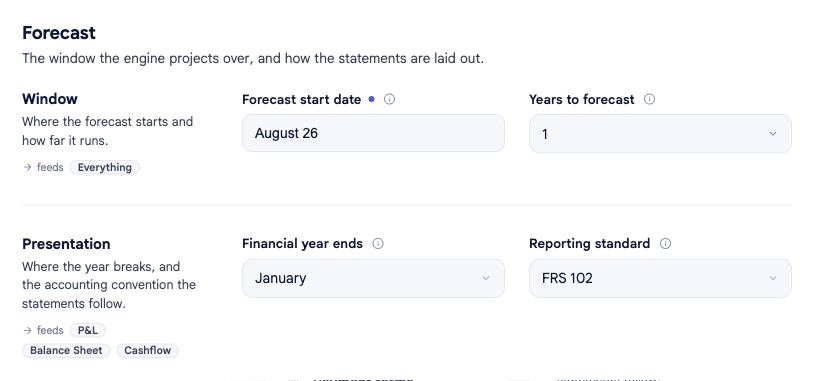
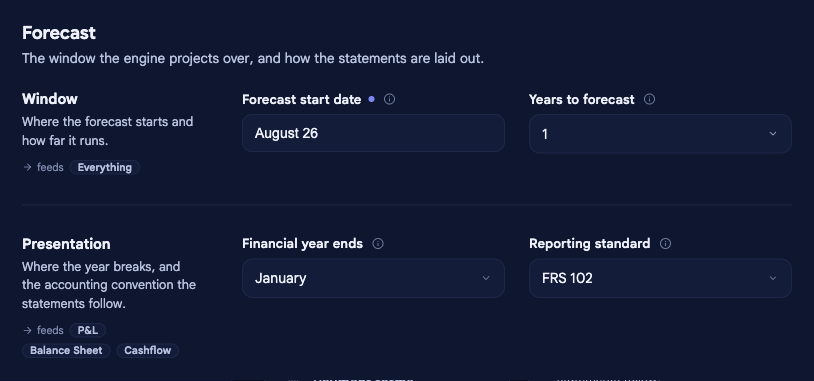
Set the window#
- Forecast start date — the first month of the forecast. Every projection and opening position is anchored to this date, so changing it moves the whole model.
- Years to forecast — how many years forward the model projects from the start date. bluprnts defaults to five years.
Set your financial year#
- Financial year ends — the month your accounting year closes (for a UK April-to-March year, that's March). This sets the year end that corporation tax is charged against.
If your forecast starts partway through your financial year, bluprnts opens with a short period up to your first year end, then runs whole financial years — so the forecast always closes on a year end rather than mid-year. When it opens mid-year, you can also enter what's happened so far this year.
Related#
- Opening position — where the forecast starts financially.
- Reporting standard — the accounting convention your statements follow.
- How forecasts are built — how the time periods drive everything else.