
Opening position
Enter your opening position in bluprnts — starting bank balance and balances you already hold — so the forecast begins from where your business really is.
Your opening position anchors the forecast to where the business is today — the cash in the bank on day one, plus any invoices and bills already in flight. You set it in the Current status section of your company options.
Open the Current status settings#
In the left sidebar, select your company name at the bottom to open Company options, then choose Current status. Changes save automatically.
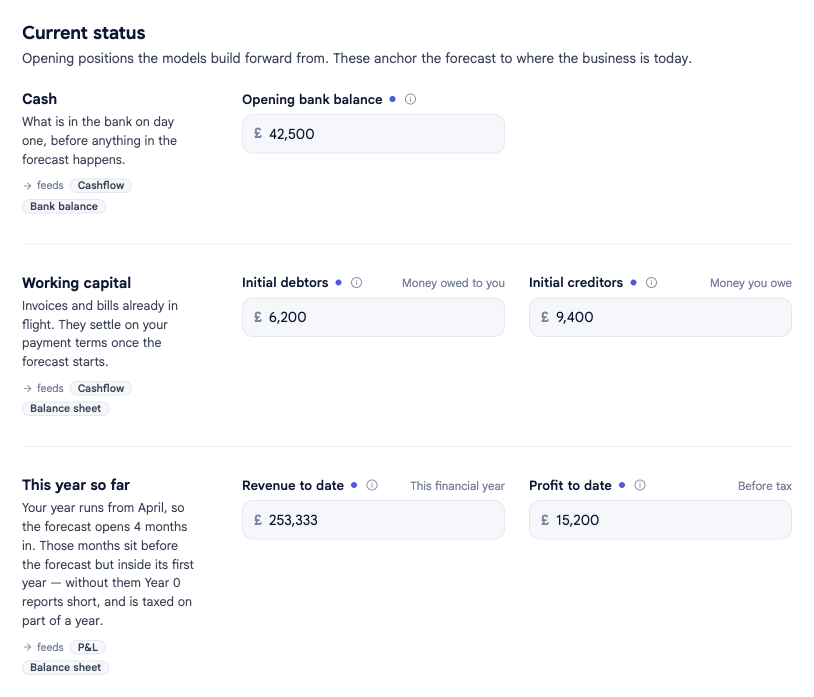
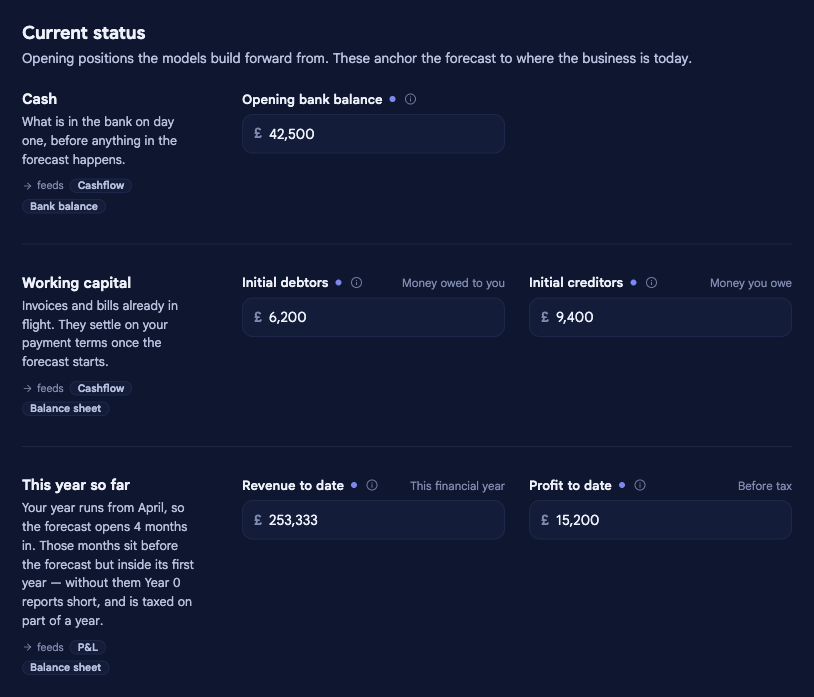
Opening cash#
- Opening bank balance — the cash in the bank on day one of the forecast. It's the starting point your cashflow builds up or down from, so it feeds straight into your bank balance and runway.
Working capital#
Invoices and bills already in flight when the forecast starts. They settle on your payment terms once it begins:
- Initial debtors — money owed to you: invoices already raised that customers haven't paid yet. They arrive as cash on your debtor-day terms.
- Initial creditors — money you owe: bills you've received but not yet paid. They leave as cash on your creditor-day terms.
This year so far#
This band appears only when your forecast opens partway through your financial year — the months that sit before the forecast but inside its first year:
- Revenue to date — revenue billed since your financial year started, up to the month the forecast opens. Added to Year 0 so its total and margins cover a whole year.
- Profit to date — profit before tax over those same months, carried into Year 0 and taxed with it. Enter a negative number for a loss.
Without these, Year 0 reports short and is taxed on part of a year.
Related#
- Payment terms — when your debtors and creditors settle.
- Forecast window & financial year — sets when the forecast opens.